Use the Google Business Profile Appeals Tool, correct whatever policy issue triggered the suspension, and attach matching evidence the moment the tool prompts you. You get 60 minutes after opening the evidence form to upload your documents, so gather them before you start. Appeals that answer the stated violation with real paperwork move faster than appeals built on explanation alone.
Table of Contents
- Before You Submit an Appeal: Eligibility and Checklist
- How to Submit an Appeal Step by Step
- Account Restrictions Versus a Single Profile Suspension
- When a Profile Gets Removed: Consequences and Next Steps
- Troubleshooting Denied Appeals and Realistic Timelines
- What Actually Convinces Reviewers
- A Practical Mindset for Getting Reinstated
- How We Help Businesses Recover a Suspended Profile
- FAQ
- Sources
Before You Submit an Appeal: Eligibility and Checklist
Most suspensions trace back to one of a handful of eligibility problems. Google’s guidelines distinguish between a storefront business, a service-area business, and an online-only operation, and each type has to meet different proof standards. A service-area profile is allowed without a public storefront, but the service radius generally needs to stay within about two hours’ driving time of your base, and Google excludes PO boxes, unstaffed virtual offices, and pure lead-generation setups from eligibility.
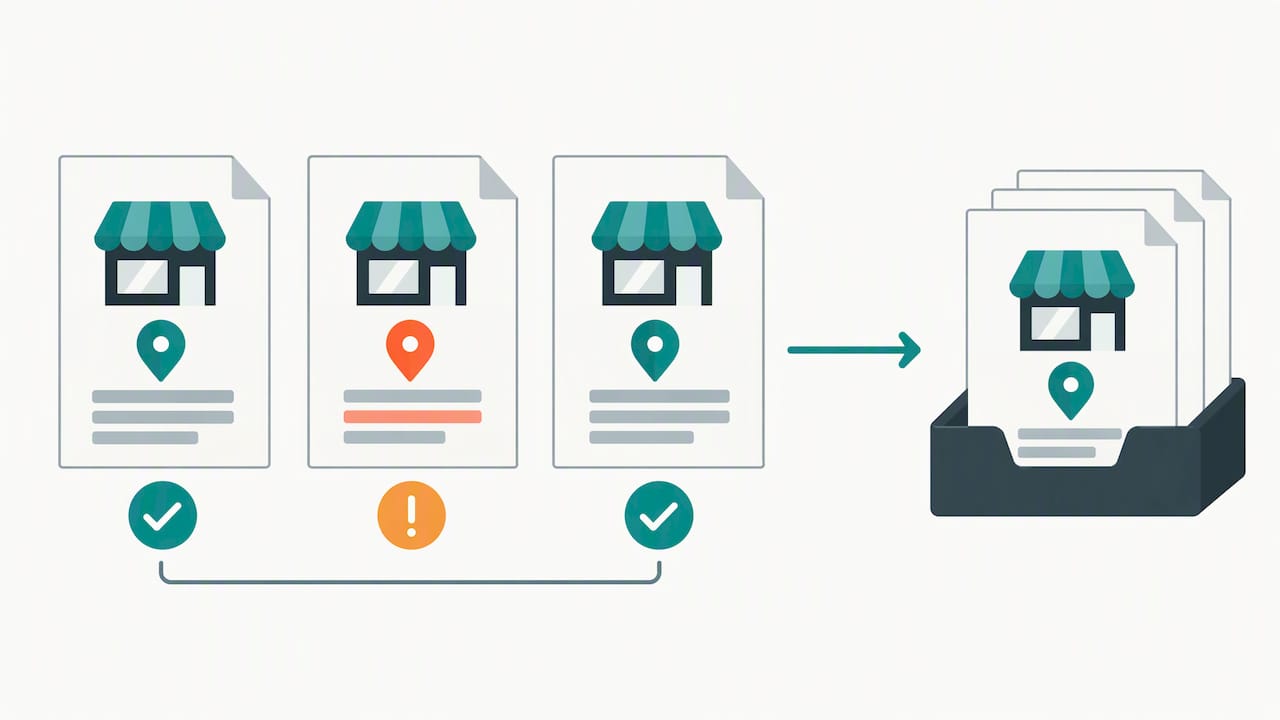
Before you touch the Appeals Tool, pull together documentation that matches your profile exactly, not documentation that merely proves your business exists somewhere.
- Business registration or formation documents showing your legal name
- A current business license or permit tied to your listed address
- Tax certificates or filings that reference the same address
- A utility bill dated within the last few months, matching the storefront address
- Photos of exterior signage, interior workspace, and any branded vehicles
- Invoices or work orders showing your business name and service area
Google’s own representation guidelines flag name and category mismatches as common suspension triggers, including names stuffed with extra keywords that aren’t part of the legal business name. A mismatched address between your website footer and your Google listing is just as damaging as missing paperwork.
Pro Tip: Scan every document for the exact spelling of your business name and address before uploading. Reviewers flag inconsistencies fast, and a typo on an invoice can undo an otherwise solid appeal.
For a deeper look at keeping your listing details aligned from the start, our guide on optimizing Google My Business covers the fields reviewers check most often.
How to Submit an Appeal Step by Step
The Appeals Tool workflow rewards speed and precision over long explanations. Follow this sequence in order.
- Sign into the Google Account that owns or manages the suspended profile.
- Open the Appeals Tool and select the suspended profile from your list.
- Read the stated moderation reason and the linked policy carefully before writing anything.
- Submit a short, specific appeal that directly addresses that reason, not a general defense of your business.
- Open the evidence upload form immediately and attach your matching documents.
- Track the decision inside the tool and watch for a follow-up email.
You have a 60-minute window once the evidence form opens to upload your files, after which the window closes and you may need to restart the process. That single detail trips up more business owners than any paperwork gap.
A few things will actively hurt your case. Don’t create a second listing for the same business while your appeal sits in review: duplicate profiles confuse Google’s matching system and can stall both listings. Don’t fire off repeated appeals before you’ve received a decision on the first one; Google reads that as noise, not persistence. And don’t change verification details, business hours, or your address mid-review, since any edit resets how the reviewer reads your evidence against the original claim.
Account Restrictions Versus a Single Profile Suspension
A profile suspension and an account-level restriction are not the same problem, and treating them the same wastes time. A single profile suspension affects one listing and gets resolved through the Appeals Tool once you fix the cited issue. An account-level restriction locks your entire Google Account, which can affect every profile you manage, and it has to be resolved before any individual appeal will go through.
- Secure the account first: update your password and review connected devices.
- Remove any unauthorized users who may have triggered the restriction.
- Respond promptly to any verification request Google sends to the account owner.
- For organization accounts managing many locations, confirm each profile’s owner and manager roles are current before appealing.
Agencies handling franchise or multi-location accounts should keep the business owner listed as profile owner and operate under manager access instead. Our franchise GMB marketing guide walks through how multi-location brands typically structure that access.
When a Profile Gets Removed: Consequences and Next Steps
Removal takes your listing out of Google Search and Maps immediately, which means walk-in traffic from local search stops the moment it happens. Account-level controls over the listing, including the ability to edit hours or respond to reviews, also freeze until the profile is reinstated.
If your initial appeal is denied, you’re not out of options. Google allows you to submit an additional review and include evidence you didn’t attach the first time around, so a denial is a cue to strengthen your file rather than give up.
Once reinstated, run through a short checklist before moving on:
- Confirm your verification status is still active and hasn’t lapsed.
- Recheck every profile field against your actual business name, address, and category.
- Monitor the listing for a week or two for any residual flags or review restrictions.
Accurate, consistent listing data is what keeps a reinstated profile from landing back in review. Our piece on why local business listings matter covers the fields most likely to cause repeat trouble.
Troubleshooting Denied Appeals and Realistic Timelines
If Google denies your first appeal, file the additional review only after you’ve added something new: a fresh utility bill, a clearer video walkthrough, or a document you hadn’t included before. Resubmitting the same file set rarely changes the outcome.
Expect the review itself to take time. Google states that appeal reviews may take up to 5 business days, and submitting a second or third appeal before that window closes tends to slow things down rather than speed them up.
- Use Google’s support contact form if your appeal sits well past five business days with no update.
- Check community help threads for patterns in how similar cases were resolved.
- If you manage many profiles, track each one’s submission date and status in a shared spreadsheet so nothing falls through during a bulk recovery effort.
Pro Tip: Note the exact date you submitted each appeal. If you have to escalate, having a clean timeline makes your case to support far more convincing than a vague “it’s been a while.”
What Actually Convinces Reviewers
Paperwork alone rarely closes the gap. The appeals that succeed tend to combine evidence types rather than lean on one, showing physical location, real business activity, and clear ownership or management across video and documents together.
A short video walkthrough strengthens an appeal when it does three specific things: shows your exterior signage and address, pans across your actual workspace, equipment, or staff, and includes a spoken line confirming who manages the business. Google’s verification evidence guidance notes that this kind of video is far more persuasive paired with matching permits or branded invoices than it is on its own.
- Film in good light, keep clips under two minutes, and show the exterior before the interior.
- Pair every video with at least one paper document showing the same address and name.
- If an agency manages your profile, keep yourself as the owner and grant the agency manager access only, with written consent on file.
Pro Tip: A ten-second clip of someone signing for a delivery at your business address can do more for an appeal than three pages of explanation.
A Practical Mindset for Getting Reinstated
Appeals succeed when they answer the exact reason Google cited, backed by evidence that matches it line for line. If you’ve lost owner access, faced repeated denials, or you’re dealing with an account-level restriction rather than a single profile issue, bringing in managed help often saves weeks. Beyond that, the real fix is prevention: keeping your listing details tightly aligned with Google’s guidelines from day one cuts your suspension risk far more than any appeal ever will.
— Rusty
How We Help Businesses Recover a Suspended Profile
Chasing a Google suspension while running your actual business is a bad use of your week, so we built our profile recovery process to take that off your plate. We provide a service to audit suspended listings, prepare and submit appeals, and manage communication until resolution, maintaining the client as profile owner and ourselves as manager.

We assist with appeals that are repeatedly denied, account-level restrictions, or situations where owner credentials are unavailable. Our Google Profile Optimization and Reviews Management services cover exactly this kind of remediation alongside the ongoing listing upkeep that keeps a reinstated profile out of trouble.
If your website also needs a clear, local-friendly contact page to support your evidence, our partners at Coleman Web Designs build exactly that for small and service-based businesses.
- Full audit of the suspended listing and the cited violation
- Evidence preparation, formatting, and upload within Google’s time window
- Appeal submission and status tracking through to resolution
- Owner and manager access managed correctly throughout
Reach out through our main site to get a consult started on your listing.
FAQ
What does “Google Business Profile suspended” actually mean?
It means your listing has been removed from Google Search and Maps for violating an eligibility or representation rule, such as an incorrect address, a disallowed business type, or a name that doesn’t match your legal business name. The Appeals Tool lets you review the stated reason and submit corrected evidence to request reinstatement.
How long does a Google Business Profile appeal take?
Google states that appeal reviews can take up to 5 business days. Submitting multiple appeals during that window tends to slow the process rather than speed it along.
Can I create a new listing while my old one is suspended?
No. Creating a duplicate profile for the same business during an active appeal can interfere with Google’s review process and delay reinstatement of the original listing.
What evidence does Google want for reinstatement?
Google recommends official business registration, a current business license, tax certificates, and a utility bill that matches your listed address, along with photos or video showing your storefront or workspace. These documents and formats need to match your profile’s name and address exactly to support an appeal.
What’s the difference between a profile suspension and an account restriction?
A profile suspension affects a single listing and is resolved through the Appeals Tool once the cited issue is fixed. An account-level restriction locks the entire Google Account, which can affect multiple listings, and it has to be resolved at the account level before any individual profile appeal will succeed.