Automate Free or Die Trying: The Best Open Source Automation Tools
Evaluating Business Process Automation Open Source Tools vs Proprietary SaaS
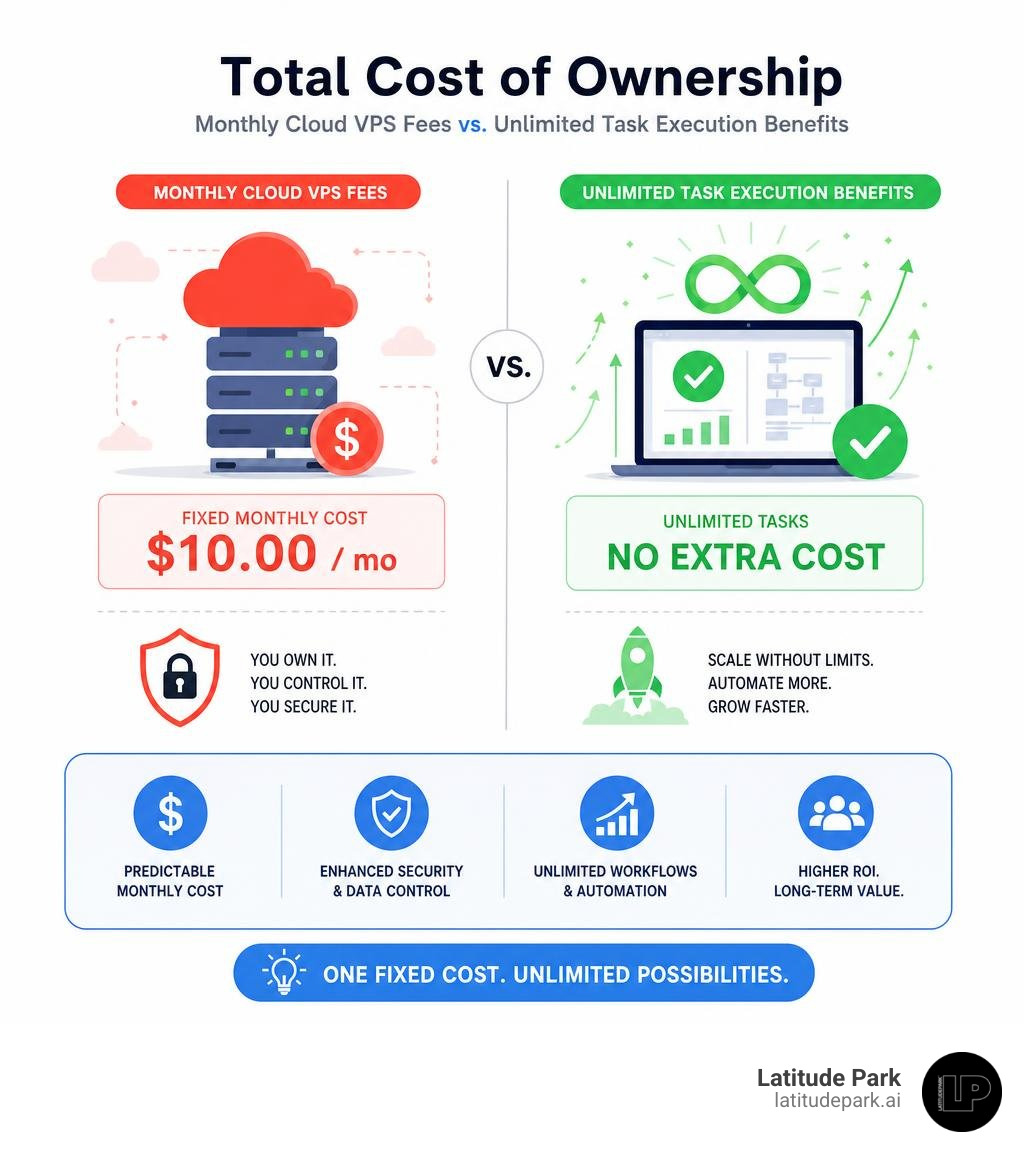
Proprietary SaaS platforms often lock businesses into unpredictable pricing models. When your company grows, a simple trigger-action flow can suddenly cost hundreds or thousands of dollars extra each month. By replacing SaaS platforms with business process automation open source tools, you replace fluctuating variable fees with fixed server infrastructure costs. To understand how this impacts your bottom line, consider our detailed breakdown on The Automation Business Case: How to Prove ROI Before Spending a Dime.
Self-hosted workflow systems eliminate the threat of infinite loop budget surprises. If a script glitches on a private virtual private server (VPS), your processor usage spikes temporarily, but your monthly bill remains exactly the same. Furthermore, self-hosting gives you full data privacy and compliance sovereignty. Medical, financial, and multi-location franchise organizations can process highly sensitive data on their own secure local or cloud servers without violating strict regulatory frameworks.
Key Licensing Differences: MIT, Apache 2.0, AGPL, and Source-Available
Not all open source workflow tools share the same operational freedoms. Understanding software licenses ensures you remain fully compliant while avoiding hidden commercial traps:
- MIT License: Permissive and copyfree. Tools like Activepieces and Automatisch allow you to inspect, modify, host, and embed the core engine into proprietary products without restrictions.
- Apache License 2.0: Highly permissive for enterprise use. Found in tools like Activiti and Windmill, it allows commercial deployment while including explicit patent protections for contributors and users.
- AGPL 3.0: A strong copyleft license (used by tools like FluxTurn). If you modify an AGPL engine and offer it over a network as a service, you must open source your modifications.
- Source-Available / Sustainable Use License (SUL): Utilized by platforms like n8n. While the source code is public, SUL is not OSI-approved because it prohibits using the platform to host managed services for third parties.
Selection Criteria for Open Source Workflow Engines
Choosing the right business process automation open source software requires evaluating five main criteria:
- Integration Breadth: Does the tool natively support your CRM, database, or internal software stack out of the box?
- Deployment Complexity: Can non-technical team members deploy it via Docker Compose in 10 minutes, or does it require deep Kubernetes orchestration experience?
- Code Extensibility: Can your developers write custom Python, TypeScript, or Java snippets directly inside steps?
- Active Maintainers: Does the project have a thriving community, fast pull-request review times, and regular security patches?
- Execution Durability: If the server reboots mid-workflow, does the engine maintain state persistence and retry failed requests automatically?
For a deeper dive into process design standards, browse our comprehensive Business Automation Workflow Knowledge Center.
Top Open Source Workflow Automation Platforms Compared
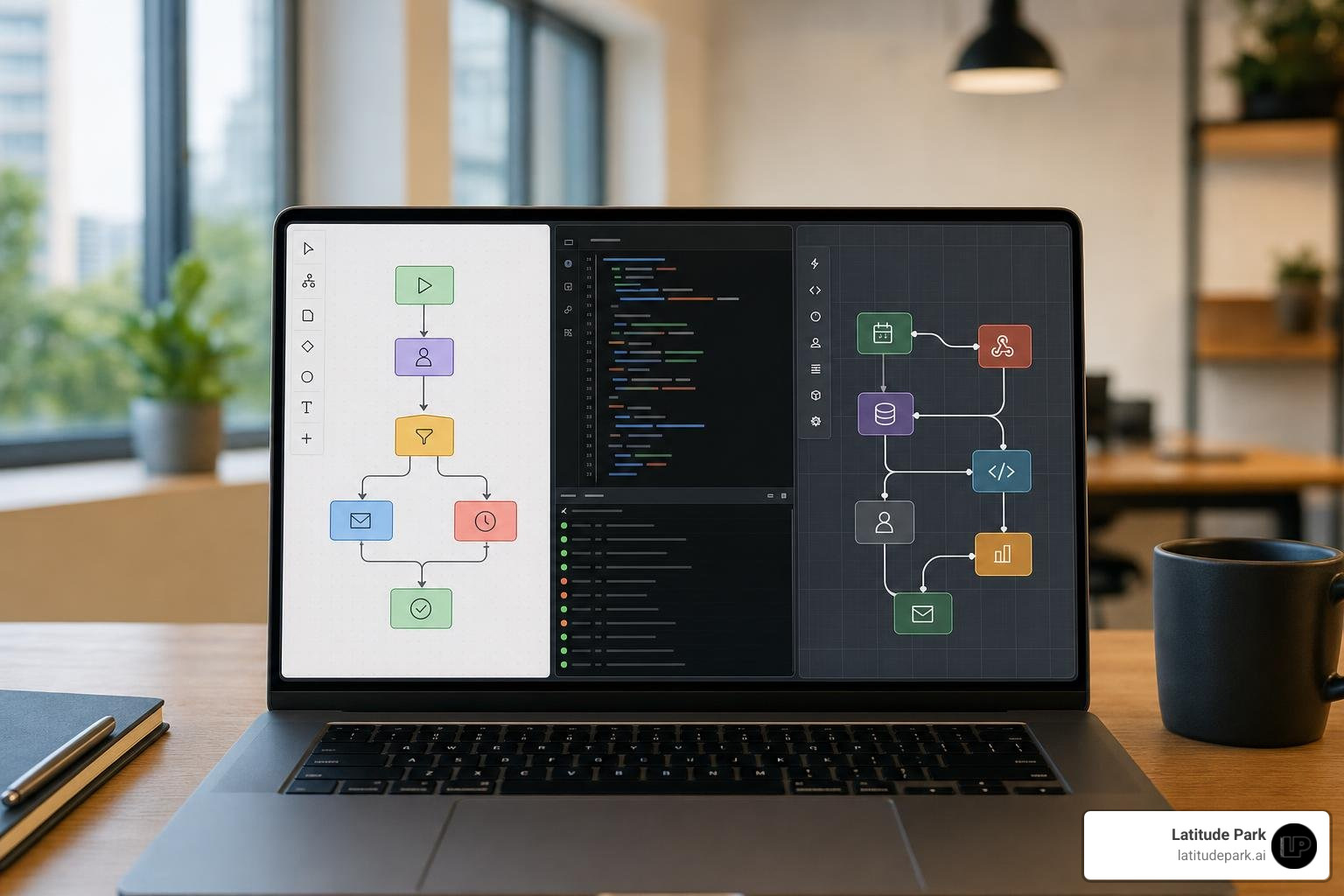
The open source ecosystem offers distinct tools depending on your team’s technical background and primary operational goals.
| Tool | Target Audience | Key Advantage | Tech Stack |
|---|---|---|---|
| Activepieces | Non-developers & business ops | 450+ integrations, zero-code visual canvas | TypeScript / Node.js |
| Automatisch | Privacy-focused non-developers | Extremely lightweight, simple Docker setup | JavaScript / React |
| Windmill | Software engineers & IT ops | 13x faster script execution, auto-generates UIs | Rust / Python / TypeScript |
| Node-RED | IoT & event-driven engineers | Runs on 512MB RAM, visual flow wiring | Node.js |
| Camunda 8 | Enterprise architects | BPMN 2.0 standard, state persistence | Java / Go / Zeebe |
| FluxTurn | AI-focused developers | AI prompt-to-workflow, native vector memory | React 19 / NestJS / Qdrant |
Activepieces and Automatisch for No-Code Business Automation Open Source Teams
For non-technical teams looking for a true Zapier alternative, Activepieces leads the pack. Featuring an MIT license, over 22,200 GitHub stars, and support for 450+ pre-built connectors, it lets marketing, sales, and operations departments design multi-branch scenarios without writing code. Approximately 60% of its integrations are actively maintained by its developer community.
Automatisch is another ideal choice for privacy-conscious organizations. With 13,800+ GitHub stars, it offers a clean visual drag-and-drop builder focused on essential SaaS connectors. You can spin up an Automatisch instance using Docker Compose in under 10 minutes, making it an excellent lightweight option for simple trigger-action automation. Non-technical teams can explore broader software options in our Small Business Automation Tools Complete Guide.
Windmill, Node-RED, and FluxTurn for Developer Scripting and AI Workflows
When your workflows demand custom code, low latency, or complex data handling, developer-centric orchestration tools shine:
- Windmill: With over 16,500 GitHub stars, Windmill transforms ad-hoc Python, TypeScript, SQL, and Go scripts into production-ready workflows. It automatically builds user-friendly web forms from script parameters and executes tasks up to 13x faster than traditional orchestrators like Airflow.
- Node-RED: Backed by 23,000+ GitHub stars and a massive ecosystem of 4,000+ community nodes, Node-RED excels at hardware and event-driven automation. It is light enough to run reliably on an inexpensive Raspberry Pi with just 512MB of RAM.
- fluxturn/fluxturn: Built specifically for modern AI automation, FluxTurn blends prompt-based natural language generation with a visual ReactFlow node editor. It natively connects to Qdrant vector databases, allowing teams to build intelligent AI agents with long-term semantic memory.
To see how modern businesses deploy artificial intelligence to eliminate repetitive manual labor, read our guide on how AI Tools Can Automate Your Business Tasks.
Enterprise BPM Engines vs Modern Low-Code Automation Platforms

Enterprise Business Process Management (BPM) engines operate on a fundamentally different level than lightweight low-code workflow tools. While low-code platforms focus on fast, stateless API integrations, enterprise BPM tools emphasize formal process standards like BPMN 2.0 (Business Process Model and Notation), long-running transaction durability, explicit state management, and complex human-in-the-loop task routing. Explore how strategic automation architecture shapes business growth with our resource on Digital Process Automation Services.
Java-Based BPM Engines: Camunda, Activiti, jBPM, and Flowable
For organizations requiring strict governance, heavy transactional safety, or microservice orchestration, Java-based BPM platforms remain the industry gold standard:
- camunda/camunda: Camunda 8 relies on its high-throughput Zeebe engine to decouple process state execution from traditional relational databases, providing horizontal scalability for microservices.
- Activiti/Activiti: Distributed under the Apache 2.0 License, Activiti offers a lightweight, embeddable BPMN 2.0 execution engine tailored for Java and Spring Boot application ecosystems.
- kiegroup/jbpm: Supported by Red Hat, jBPM combines full process automation with complex business rule execution and decision modeling (DMN).
- finos/fluxnova-bpm-platform: Provides a developer-friendly, embeddable JVM BPMN engine designed for direct integration within financial and microservice backend systems.
- Open Source Workflow Engine – Imixs-Workflow BPMN 2.0: A event-driven, human-centric workflow framework that allows administrators to define security access policies directly inside BPMN models.
AI Agents, MCP Support, and Modern Business Process Automation Open Source Innovations
In 2026, business process automation open source tools are rapidly adapting to agentic AI capabilities:
- Model Context Protocol (MCP): Tools like Activepieces natively support MCP, enabling AI models (such as Anthropic’s Claude) to query live databases, inspect internal tools, and initiate real-world business actions safely.
- Vector Memory Integration: Platforms like FluxTurn connect AI orchestration directly to Qdrant vector databases, giving LLM agents semantic long-term memory across long-running customer conversations.
- Dynamic Prompt Routing & Human-in-the-Loop: Automated workflows can route complex incoming customer inquiries through an LLM, draft a response, and hold the process until a human operator clicks “Approve” in a web dashboard.
To learn more about connecting operational databases directly to modern workflows, review our guide on Business Data Automation.
TCO, Security, and Seamless Migration Strategies
While open source software is free, self-hosting carries administrative costs. Evaluating the Total Cost of Ownership (TCO) involves balancing server hosting fees against internal sysadmin maintenance.
Self-Hosting Best Practices and Security
- Containerized Deployment: Deploy platforms using Docker Compose or Kubernetes for isolated updates and rapid environment rollbacks.
- Fixed Cost Infrastructure: Host automation engines on fixed-cost VPS providers to prevent billing spikes caused by infinite loops.
- Hardened Security: Enable HTTPS via reverse proxies (like Caddy or Traefik), implement single sign-on (SSO), and schedule automated encrypted database backups.
Step-by-Step SaaS Migration Strategy
- Audit Existing Flows: Export your active Zapier or Make scenarios and catalog every webhook endpoint, API token, and custom data transformation.
- Build Parallel Sandbox Workflows: Recreate your highest-volume multi-step triggers inside your newly deployed open source platform.
- Run Dual-Execution Tests: Route production webhooks simultaneously to both systems to verify data consistency without interrupting business operations.
- Cutover and Monitor: Switch primary system triggers to your open source engine, maintain real-time error logging, and deprecate paid SaaS tasks.
Discover how structured process management drives sustainable growth in our full guide on Automation Services for Business Growth.
Frequently Asked Questions About Open Source Workflow Automation
What is the easiest open source alternative to proprietary SaaS automation tools?
Activepieces is widely considered the easiest open source Zapier alternative. It offers a clean visual drag-and-drop interface, supports over 450 integrations, runs under an MIT license, and can be deployed on any server using Docker Compose in minutes.
What are the main hidden costs of self-hosting workflow tools?
The software itself is free, but you must account for hardware infrastructure costs (typically $5 to $40 per month for a Virtual Private Server), routine system administration, server patching, database backup maintenance, and initial onboarding time.
How do OSI-approved open source licenses differ from source-available licenses like n8n’s SUL?
OSI-approved licenses (such as MIT and Apache 2.0) give you complete, unrestricted rights to run, modify, embed, and commercially resell software. Source-available licenses (like n8n’s Sustainable Use License) keep code publicly visible but legally restrict you from hosting the software as a paid managed service for external commercial customers.
Conclusion

Shifting to business process automation open source tools gives your organization complete technology independence, fixed cost predictability, and total control over your business data. Whether you choose Activepieces for visual team workflows, Windmill for high-speed script execution, or Camunda for enterprise BPMN process orchestration, open source automation provides a flexible foundation built for long-term growth.
At Latitude Park, we help franchise operations and multi-location businesses streamline operations, automate digital campaigns, and build scalable growth engines without bloated vendor bills. Explore how our team can transform your systems by visiting our Latitude Park Small Business Automation Solutions hub.