Why Every eBay Seller Needs to Understand Their Listing Tool Options
A listing tool is software that helps online sellers create, manage, and optimize product listings. Its key functions include creating listings, managing inventory, performing bulk edits, optimizing for search, and automating tasks like relisting.
If you’re selling on eBay, you’re already using its native listing tool, Seller Hub. It’s a free, built-in option that works well for many. But as businesses grow, sellers often get frustrated by manual data entry, overselling risks, and time-consuming tasks.
The good news is that modern listing tools have evolved. AI-powered features can generate product descriptions from photos and suggest SEO-optimized titles. Third-party platforms offer cross-listing to eBay, Poshmark, and Etsy from a single dashboard, with real-time inventory sync to prevent double-selling.
Industry data shows that sellers on three or more marketplaces see a 180% higher sell-through rate, and those who regularly relist stale inventory make 33% more sales. The right tools make these strategies simple.
I’m Rusty Rich, President of Latitude Park. With over 15 years in e-commerce solutions, I’ve seen how the right listing tool can transform a seller’s efficiency and revenue. Let’s break down eBay’s listing ecosystem—the good, the bad, and the AI innovations changing the game.
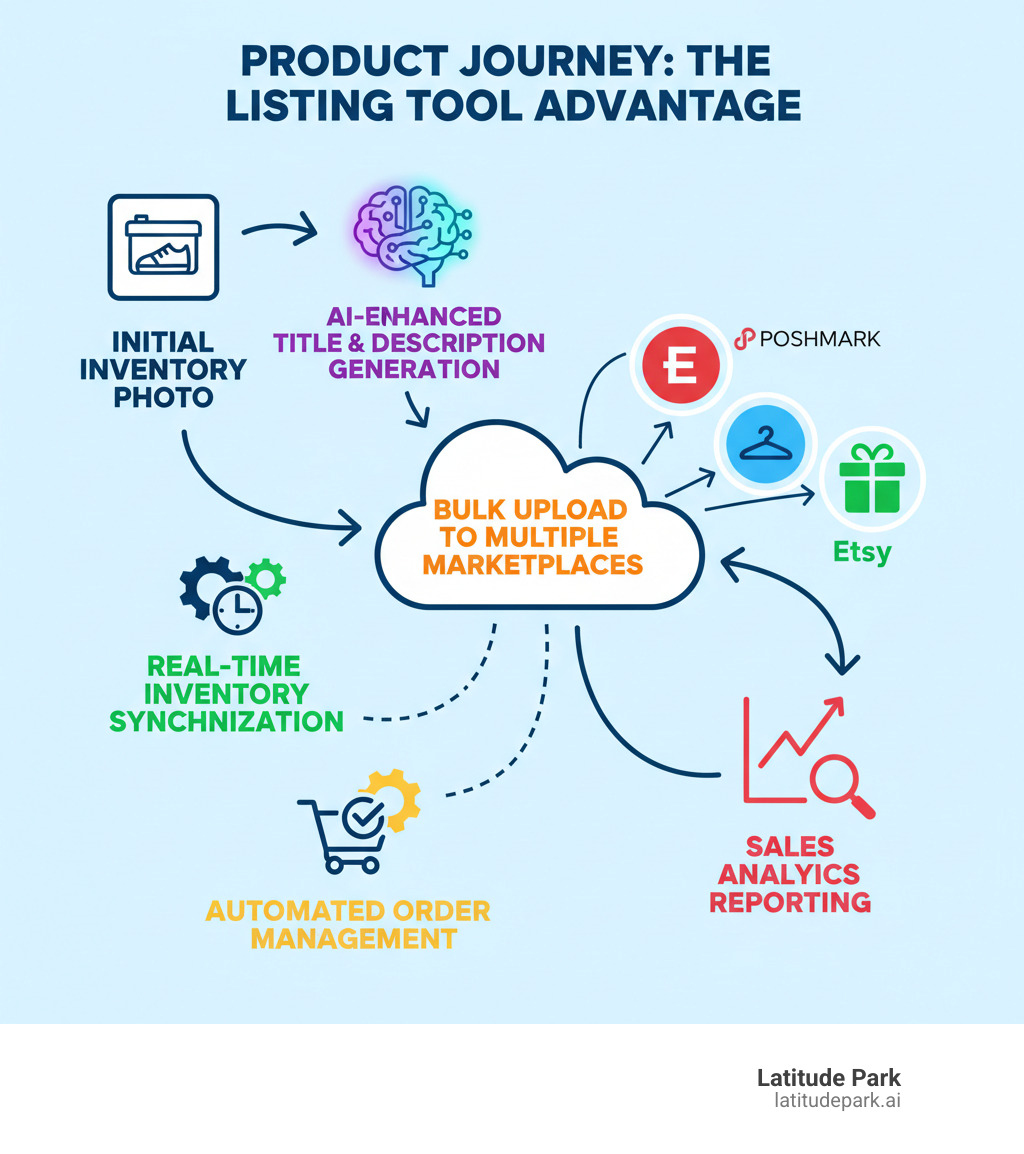
The “Good”: Core Features of eBay’s Native Listing Tools
When you start selling on eBay, you’re already using a capable listing tool: eBay’s Seller Hub. It’s built into your account and offers a solid set of features for the essentials without extra costs. For new sellers or those with a smaller inventory, these native tools provide everything you need to get products online.
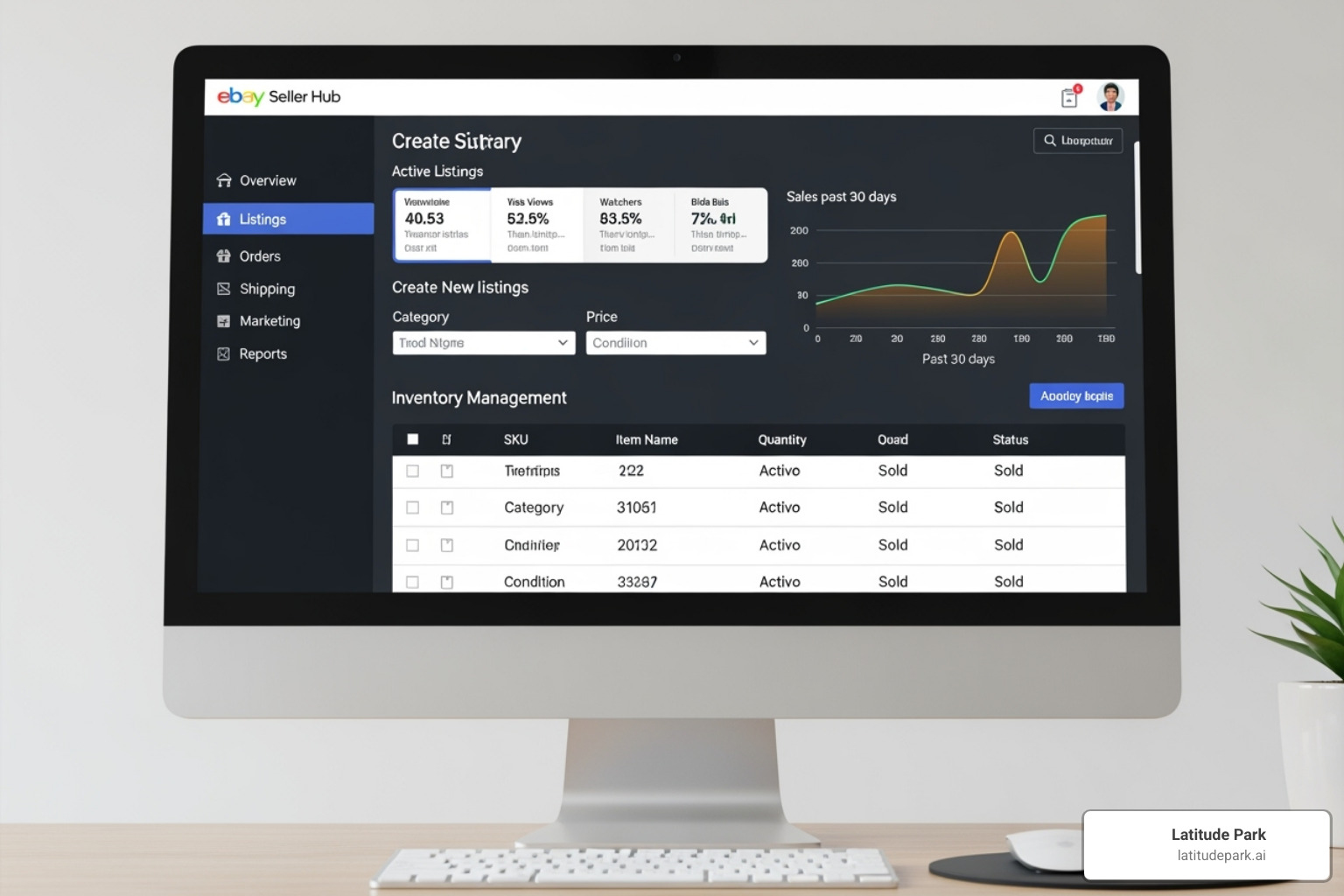
Think of Seller Hub as your command center. It provides a structured way to input product titles, descriptions, photos, pricing, and item specifics. The process is straightforward: you fill in the fields, click publish, and your listing goes live. For many sellers, these built-in tools are more than enough to manage active items, adjust prices, and handle daily operations without leaving the platform. The accessibility is a key benefit—no need to pay for or learn complex third-party software.
eBay’s native tools also have efficiency features that turn repetitive tasks into one-click actions:
- Listing templates: Create a template once with your return policy and shipping details, then apply it to multiple listings. This ensures brand consistency and saves hours.
- Scheduling: Prepare listings in advance and set them to go live during peak shopping hours, a feature included at no extra charge.
- Bulk editing: Update prices or add item specifics to an entire category of products at once, saving time and ensuring accuracy.
- Duplicating listings: Clone a successful listing for a similar product to create a new one in minutes instead of starting from scratch.
- Adding videos: A feature many sellers overlook. Products with gallery videos often sell at higher volumes. You can learn more in the eBay.com Documentation.
These capabilities form a solid foundation for any eBay seller. For businesses in early growth stages, these native features provide everything needed to run a profitable operation.
The “Bad”: Common Limitations and Why Sellers Seek Alternatives
eBay’s native tools are great for getting started, but they often can’t keep up as your business grows. Sellers hit a wall when expanding beyond eBay, primarily in three areas: selling across multiple platforms, managing inventory, and automating repetitive tasks.

The Challenge of Selling on Multiple Marketplaces
The biggest challenge is cross-listing. Selling only on eBay means leaving money on the table, as platforms like Poshmark, Mercari, and Etsy have unique customer bases. Data shows sellers on three or more marketplaces see a 180% higher sell-through rate.
However, managing listings across these platforms manually is chaotic. It involves endless copying and pasting of titles, descriptions, and photos into different forms with unique requirements. This manual data entry leads to inconsistent listings and is a massive waste of time. Without a central inventory hub, you’re constantly switching between tabs, trying to keep everything straight. Just as understanding Why Local Business Listing is Essential helps physical businesses, product sellers need visibility across all relevant platforms.
Inventory Management Headaches
The real nightmare is inventory synchronization and the risk of overselling. Imagine an item sells on eBay but remains listed on Poshmark and Mercari. Without real-time stock level updates, you risk selling it again. This leads to canceled orders, unhappy customers, and negative feedback that damages your seller reputation. Managing variations—like different sizes or colors—multiplies this headache.
This lack of centralized control creates business growth limitations. You’re stuck doing administrative work instead of sourcing new products. Another missed opportunity is refreshing stale inventory. Sellers who regularly delist and relist items make 33% more sales, but doing this manually across multiple platforms is nearly impossible. These limitations are genuine barriers to growth, which is why many sellers seek a listing tool with advanced automation and cross-listing capabilities.
The “AI”: How Artificial Intelligence is Revolutionizing the Modern Listing Tool
Artificial Intelligence is revolutionizing what’s possible with a listing tool. If you’ve spent hours crafting product titles and descriptions, AI offers a better way. Think of it as an efficient assistant who knows exactly what buyers are searching for.
Creating Compelling Listings with an AI Assistant
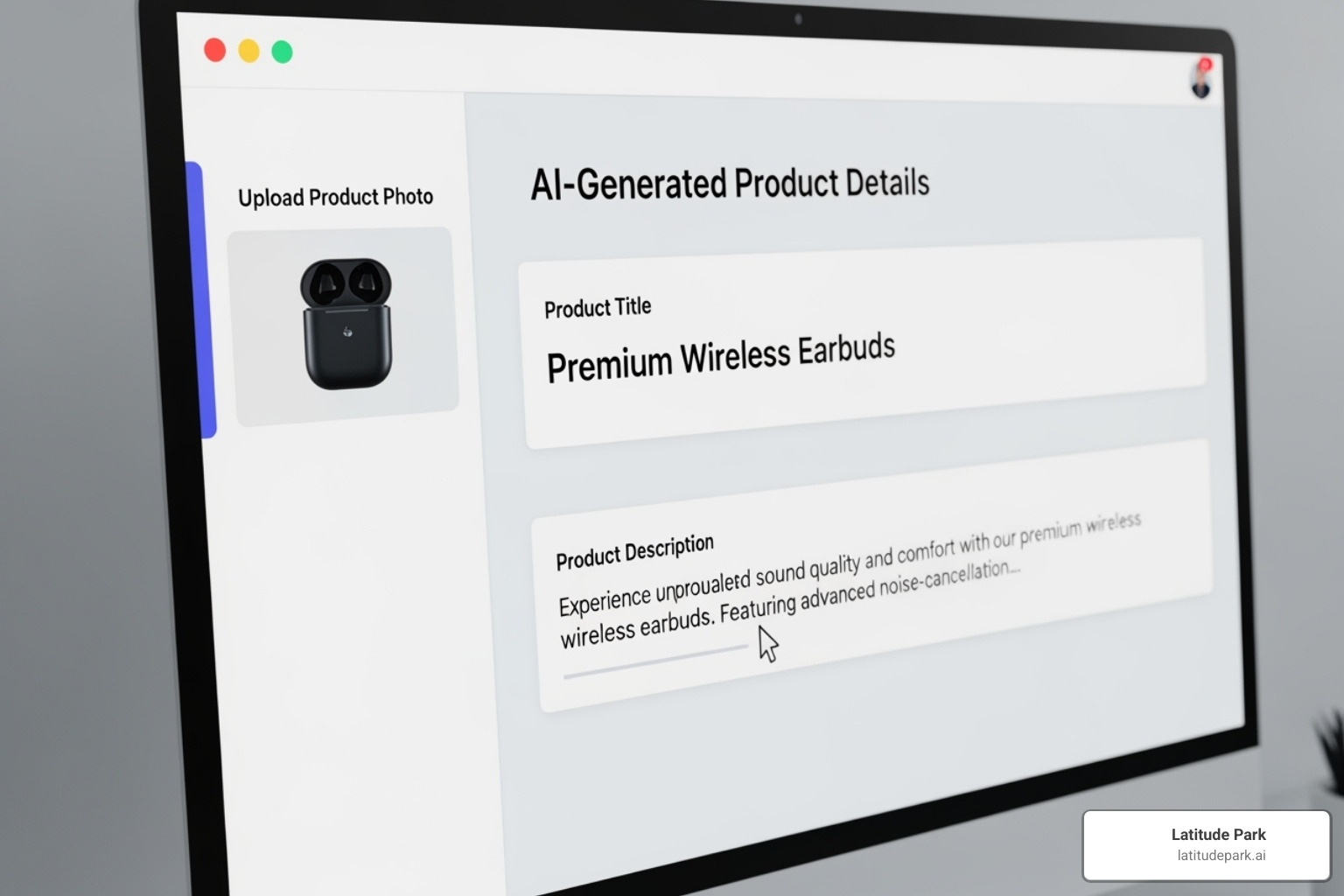
Modern listing tools with AI can analyze your product photos and generate titles, descriptions, keywords, and item specifics in seconds. Sellers using AI assistance can list products 80% faster than those doing it manually. This isn’t just about speed; AI copywriting creates descriptions that sell. You can set the tone—professional, playful, or luxurious—and the AI adapts, using language proven to convert browsers into buyers. Some tools even handle image background removal automatically for a clean, professional look. This frees you from repetitive work to focus on growing your business.
The Role of AI in Product Listing SEO
Just as a local business needs to be found by nearby customers, as we explore in our work on Optimizing Google My Business, your products need to be optimized for online shoppers. AI is your secret weapon for SEO optimization. It analyzes search data to suggest keyword-rich titles that match what buyers are searching for, uncovering high-volume keywords you might miss. Some tools even perform competitor analysis, examining successful sellers in your category to provide competitive intelligence.
AI also automates filling out item specifics—brand, size, color, material—based on your photos and product info. Since eBay’s search algorithm heavily weights these specifics, this is crucial for visibility. Your products appear in more searches on eBay and Google, leading to more sales. The beauty of AI in your listing tool is that it democratizes expertise, leveling the playing field so you can compete with larger sellers. This principle is also discussed in our article on The Advantages of Using Local Directories for Your Business.
Key Features to Compare in Any eBay Listing Solution
When upgrading from eBay’s native tools, choosing the right listing tool means comparing features against your business needs. A good solution should solve current pain points and scale with your growth.

Core Functionality for Every Seller
Before getting impressed by fancy features, ensure any tool nails these fundamentals:
- Inventory Management: A central hub to see what’s in stock, where it’s listed, and what’s available. This is non-negotiable for preventing overselling.
- Bulk Actions: The ability to import products, update pricing across your catalog, and apply policy changes to multiple listings at once is essential for efficiency.
- Listing Templates: Create and apply branded templates for consistency and speed, ensuring every listing looks professional.
- SEO Optimization Features: Tools that suggest keyword-rich titles and help fill out item specifics are crucial for getting your listings found by buyers.
Advanced Features for Growing Businesses
As your business expands, you’ll need more powerful features to keep up.
- Multi-Channel Support: The ability to cross-list to eBay, Poshmark, Mercari, and others from one interface is key to maximizing sales. Sellers on three or more marketplaces see a 180% higher sell-through rate.
- Automated Order Routing: Centralize orders from all platforms to process them, print shipping labels, and send tracking updates from a single dashboard.
- AI-Powered Improvements: Automated description generation, intelligent keyword suggestions, and image background removal provide a significant competitive advantage.
- In-Depth Sales Analytics: Go beyond basic reports to understand which products have the highest margins, your sell-through rate by category, and which platforms perform best. This data drives strategic decisions.
When evaluating tools, consider scalability and ease of use. Free tools like Seller Hub are great for single-platform sellers with moderate inventory. Paid tools open up the automation, multi-channel capabilities, and analytics that serious e-commerce businesses require. The investment typically pays for itself through increased efficiency and higher sales, especially considering the 33% sales boost from relisting and the 180% higher sell-through from multi-channel selling.
Frequently Asked Questions about eBay Listing Tools
We know choosing and using listing tools can be overwhelming. Here are answers to some common questions from sellers.
How do listing tools improve SEO for my eBay products?
A listing tool acts as your personal SEO assistant to improve visibility. It helps with:
- Keyword Optimization: AI-powered tools suggest high-performing keywords for your titles and descriptions to rank higher in search results.
- Item Specifics: They make it easy to fill out crucial filter details like size, color, and brand, so more buyers find your items.
- Title Building: They help generate SEO-optimized titles that attract clicks.
- Mobile Optimization: They ensure your listings look great on mobile devices, where most buyers shop.
- Video Integration: Adding videos can significantly boost engagement and sales, a feature supported by good listing tools.
Can a listing tool help me manage orders and customer communication?
Yes, a good listing tool becomes a command center for your entire operation.
- Centralized Order Dashboard: View and manage orders from all marketplaces (eBay, Poshmark, etc.) in one place.
- Automated Status Updates: The tool automatically sends tracking information to buyers, saving you hours of manual communication.
- Integrated Shipping: Print shipping labels, often at discounted rates, directly from the platform.
- Efficient Communication: Use canned responses for common questions and manage eBay messages within the tool’s interface for seamless customer support.
Are there different tools for different eBay categories, like eBay Motors?
Most comprehensive listing tools are flexible enough for any category, from clothing to electronics. However, some niches have special requirements.
eBay Motors, for example, is a unique market. Specialized tools are essential for managing vehicle compatibility lists (fitment). They allow you to easily specify which makes and models a part fits, which is crucial for preventing returns and satisfying customers. Some tools even let you copy compatibility lists from other listings, saving a massive amount of time. The key is to find a listing tool that either offers the flexibility to adapt to your category or provides specialized features for your specific market.
Conclusion
We’ve explored listing tools, from the solid start eBay’s native features provide to the frustrating limitations that hold sellers back and the AI innovations changing the game.
eBay’s Seller Hub is a great, free starting point. But as businesses grow, the “bad” becomes apparent: manual cross-listing, inventory sync errors, and missed opportunities. These are real barriers to growth. This is where AI-powered listing tools become essential. By automating descriptions, optimizing keywords, and streamlining workflows, they allow you to list up to 80% faster and focus on strategy.
Choosing the right listing tool is about assessing your business goals. Do you need multi-channel support to chase that 180% higher sell-through rate? Would automated relisting help you achieve a 33% sales boost?
At Latitude Park, we help businesses grow strategically. We understand that the right tools are foundational to e-commerce success, affecting everything from listing speed to search ranking and fulfillment efficiency.
The future of e-commerce belongs to sellers who work smarter by embracing automation and leveraging AI. Investing in efficiency today sets you up for growth tomorrow.
Ready to take your online presence to the next level? Take control with Power Listings and find how the right approach to listing management can transform your business. Success isn’t just about what you sell—it’s about how effectively you sell it.